Translation Sources
Translation Sources are components that provide translations for phrases in the game. There are 4 built-in translation sources:
Translation Source |
Screenshot |
|---|---|
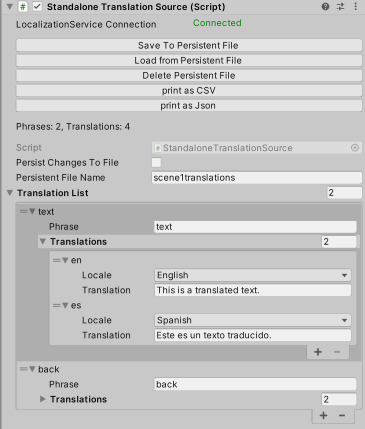 |
1) Standalone Translation Source: Embed translations directly in your Unity scene. |
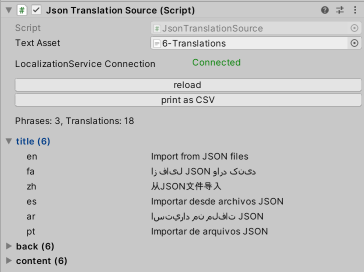 |
2) JSON Translation Source: Loads translations from a JSON file. This is helpful for cases where you want translators to work outside of Unity. |
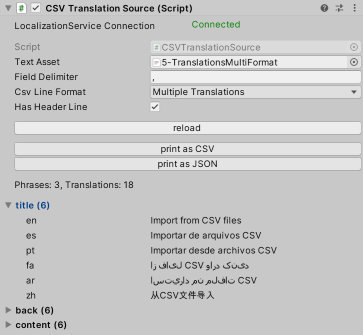 |
3) CSV Translation Source: Loads translations from a CSV file. This is helpful for cases where you want translators to work outside of Unity. |
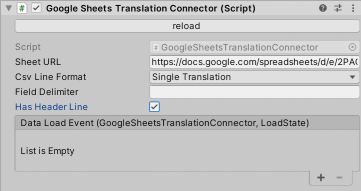 |
4) Loading Translations from Google Sheets: Loads translations from a web CSV file. Google sheets can be configured to be used with this component. With this component you can update your translations after you have published your game. |
You can write your own sources too. Start with a built-in translation source and write your own logic to load translations.
Scripting API
The built-in translation sources are in the @NoSuchStudio.Localization.Sources namespace.